
Turn Your Photo into Cross Stitch
Your pet, your garden, a favorite trip — turn any photo into a stitchable pattern or into embroidery art, then stitch it yourself on your phone with Cross Stitch Master.


Free to download. Contains ads and optional in-app purchases.
How to convert a photo to cross stitch in the app
- 1
Upload a photo
Choose a picture from your phone. Clear photos with one main subject — a pet, a flower, a portrait — work best. Pick how detailed you want the pattern to be.
- 2
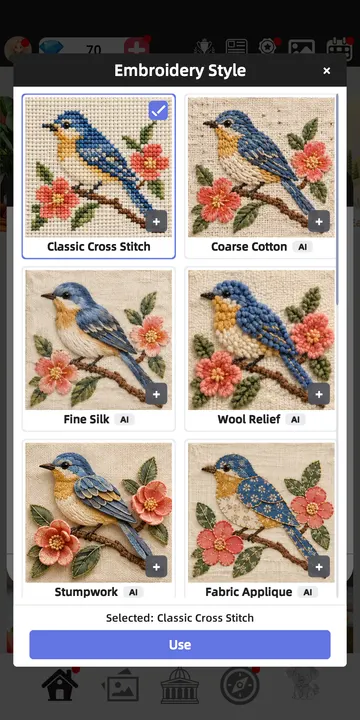
Pick an embroidery style
Keep it as a classic cross stitch pattern, or turn it into embroidery art in a style like Coarse Cotton, Fine Silk, Stumpwork or Nordic Folk.
- 3
Stitch it yourself
Pick a color, tap or swipe across the grid and watch each stitch fill in. Pinch to zoom, drag to move, and hang the finished piece in your own 3D gallery.
Before and after
A real result from the app: the picture on the left became the Wool Relief embroidery on the right. Drag across the image to compare.
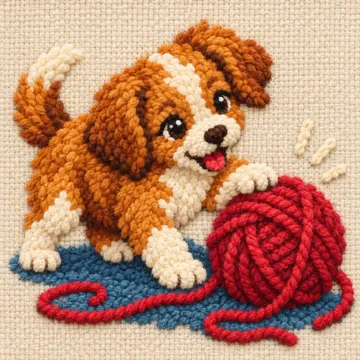
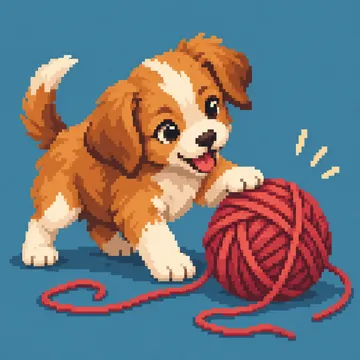 OriginalWool Relief
Embroidery styles
One bluebird, fourteen ways. These are the styles you can choose from in the app — each one is turned into a pattern you then stitch yourself.
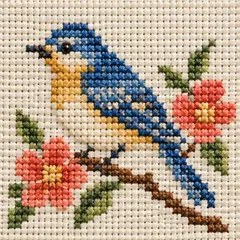 ClassicNeat little crosses, like counted cross stitch
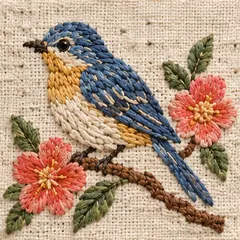 Coarse CottonChunky, hand-stitched cotton texture
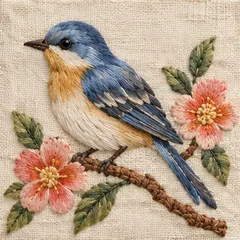 Fine SilkSmooth satin stitches with a soft sheen
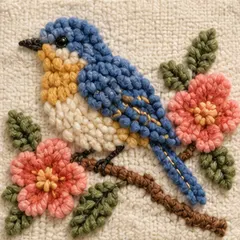 Wool ReliefPlump, raised wool stitches
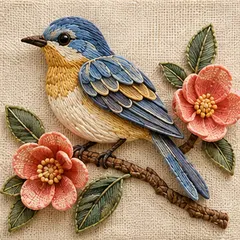 StumpworkPadded petals and wings that lift off the fabric
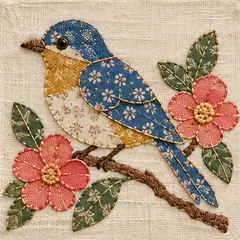 Fabric AppliquePatterned fabric patches, stitched in place
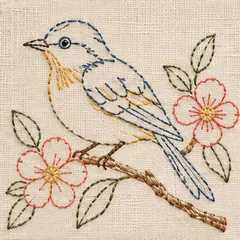 Outline StitchLight, airy line work
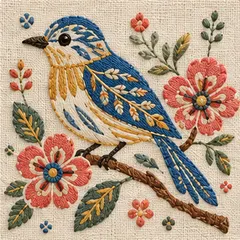 Folk OrnamentBold folk motifs and decorative fills
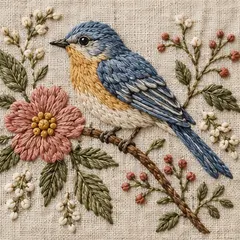 American CottageSoft, country-garden embroidery
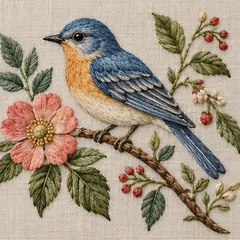 English BotanicalDetailed, natural botanical study
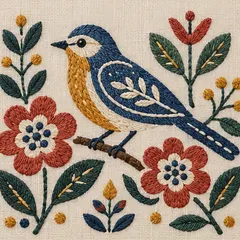 Nordic FolkGraphic Scandinavian shapes and colors
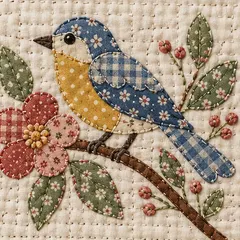 Vintage QuiltGingham and calico patchwork
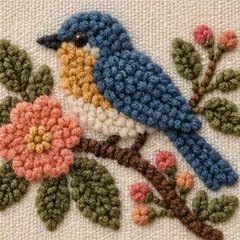 Modern WoolThick, cozy loops of yarn
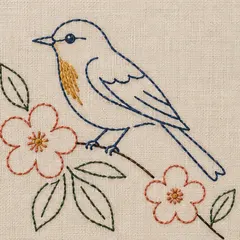 Modern MinimalA few clean lines on bare linen
Frequently asked questions
Is it free?
Cross Stitch Master is free to download. Turning photos into embroidery styles is free to try; subscribe for more creations. The app contains ads and optional in-app purchases.
Do I stitch it myself?
Yes. The app turns your photo into a pattern or embroidery artwork, and then you stitch it on your phone: pick a color and tap or swipe across the grid to fill in each stitch.
Can I get a printable chart of my photo?
Not from the app — it is made for stitching on your phone. For a printable PDF chart with DMC colors, use our free Pattern Maker, which runs right in your browser.
Are my photos private?
How the app handles your photos is described in the Cross Stitch Master App Privacy Policy. The Pattern Maker on this website never uploads your photo at all; it works entirely on your device. Read the App Privacy Policy.
Which devices does the app run on?
iPhone and iPad with iOS 15 or later, and Android 7.0 or later.
Prefer real needle and thread? Make a printable chart with the Pattern Maker, browse our free cross stitch patterns, or learn how to cross stitch.
Stitch your photo today
Free to download on iPhone, iPad and Android.
Free to download. Contains ads and optional in-app purchases.